AT&T Mobile Hotspot Plans Explained for 2026
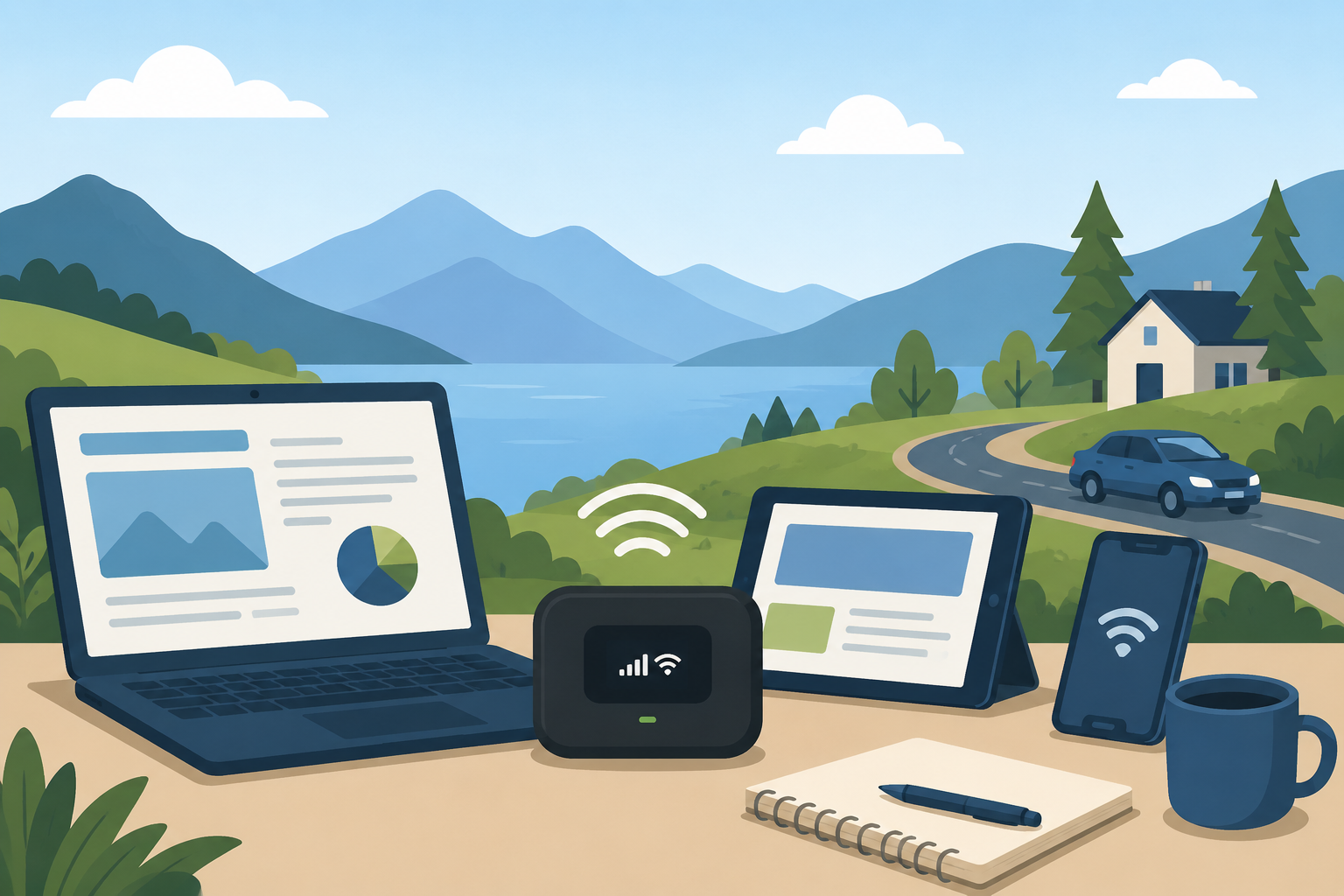
Reliable internet access is more important than ever, especially for remote work, online learning, travel, and staying connected on the go. Whether you’re working from a coffee shop, traveling across the country, or need backup internet during an outage, an AT&T mobile hotspot can help keep your devices connected wherever you have cellular coverage.
A mobile hotspot allows you to share a cellular data connection with devices such as laptops, tablets, gaming systems, and smart home devices. Instead of relying on public Wi-Fi networks, you can create your own secure internet connection directly from your smartphone or a dedicated hotspot device.
AT&T offers several hotspot-compatible plans and devices designed for different types of users. From occasional internet browsing to business travel and remote work, understanding your options can help you choose the right solution while avoiding unnecessary costs.
If you’re comparing internet providers and mobile connectivity options, reviewing available AT&T internet and wireless service plans can help you identify the best fit for your needs.
What Is an AT&T Mobile Hotspot?
A mobile hotspot is a feature or device that uses a cellular data connection to provide internet access to other devices through Wi-Fi.
There are two common ways to use a hotspot:
Using your smartphone as a hotspot
Using a dedicated mobile hotspot device
When activated, the hotspot broadcasts a Wi-Fi signal that allows nearby devices to connect to the internet through AT&T’s wireless network.
This can be particularly useful when:
Traveling for work
Working remotely
Attending conferences
Camping or RV traveling
Experiencing home internet outages
Providing temporary internet access for multiple devices
Types of AT&T Hotspot Options
AT&T offers several ways to access hotspot data depending on your wireless plan and connectivity needs.
Smartphone Hotspot Features
Many AT&T wireless plans include hotspot functionality, allowing customers to share data directly from their phones.
Benefits include:
No additional device required
Easy setup
Convenient for occasional use
Ideal for laptops and tablets
The amount of hotspot data available depends on your specific wireless plan.
Dedicated Mobile Hotspot Devices
Dedicated hotspot devices create a stronger and more stable Wi-Fi connection than most smartphones.
Advantages include:
Better battery life
Support for more connected devices
Improved network management
Separate from your phone’s battery and data usage
These devices are especially popular among remote workers, business travelers, and families who need reliable internet while away from home.
AT&T Mobile Hotspot Data Plans
AT&T periodically updates its plan offerings, but hotspot plans generally fall into several categories:
Prepaid Hotspot Plans
Prepaid hotspot plans offer flexibility without long-term contracts.
Typical benefits include:
| Feature | Benefit |
|---|---|
| No annual contract | Greater flexibility |
| Pay-as-you-go options | Better budget control |
| Multiple data tiers | Choose based on usage |
| Easy activation | Quick setup process |
Prepaid plans work well for:
Travelers
Seasonal users
Temporary internet needs
Students
Backup internet connections
Wireless Plans With Included Hotspot Data
Many AT&T unlimited wireless plans include a monthly hotspot allowance.
Depending on the plan, users may receive:
Several gigabytes of hotspot data
Premium hotspot data before slowdowns
Support for multiple connected devices
Because plan features change periodically, it’s important to verify the current hotspot allocation directly before signing up.
How Much Data Do You Actually Need?
One of the biggest mistakes consumers make is underestimating how much hotspot data they use.
Different online activities consume data at very different rates.
Light Internet Users
If you mainly:
Check email
Browse websites
Use social media
Access cloud documents
A smaller hotspot allowance may be sufficient.
Moderate Internet Users
If you frequently:
Join Zoom meetings
Upload files
Stream music
Work remotely
You’ll likely need a larger data package.
Heavy Internet Users
If you regularly:
Stream HD video
Stream 4K content
Play online games
Download large files
Connect multiple users
You’ll consume data much faster and may exceed hotspot allowances quickly.
Can an AT&T Hotspot Replace Home Internet?
This is one of the most common questions consumers ask.
The answer depends entirely on your internet usage habits.
When a Hotspot Can Work as Home Internet
A hotspot may be enough if you:
Live alone
Use only one or two devices
Primarily browse the web
Check email
Stream occasionally
Many users find a hotspot serves as an excellent temporary or backup internet solution.
When Home Internet Is Still Better
Traditional home internet is usually the better option if you:
Stream TV daily
Work from home full-time
Have multiple users in the household
Play online games
Use smart home devices extensively
Home broadband plans generally provide significantly more data and better long-term value for heavy users.
If you’re comparing residential internet options, exploring high-speed internet plans available in your area may reveal more cost-effective solutions for daily home use.
AT&T Hotspot Speeds and Performance
Hotspot performance depends on several factors:
Network Coverage
The stronger the AT&T signal in your location, the better your hotspot performance will be.
Factors affecting coverage include:
Distance from cell towers
Building materials
Weather conditions
Network congestion
Number of Connected Devices
Every connected device shares available bandwidth.
The more devices connected simultaneously, the more performance can be affected.
Data Prioritization
Many wireless plans include premium data thresholds.
After reaching certain usage limits, speeds may slow during periods of network congestion.
Understanding these limitations can help set realistic expectations for performance.
Benefits of Using a Dedicated Hotspot Device
While smartphone hotspots are convenient, dedicated devices often provide a better overall experience.
Better Battery Performance
Using your smartphone as a hotspot drains battery life quickly.
Dedicated devices eliminate that concern by operating independently.
Stronger Connectivity
Many hotspot devices are designed specifically for data sharing and often provide:
Better signal reception
Stronger Wi-Fi coverage
More reliable connections
More Connected Devices
Dedicated hotspots frequently support more simultaneous connections than smartphones.
This makes them useful for:
Families
Small teams
Business travel
Group projects
Popular Uses for AT&T Mobile Hotspots
Hotspots are becoming increasingly versatile.
Common use cases include:
Remote Work
Professionals can access business applications and attend virtual meetings from virtually anywhere.
Travel
Whether you’re traveling for business or leisure, a hotspot can provide internet access without relying on public Wi-Fi.
Emergency Backup Internet
A hotspot can keep essential devices online during broadband outages.
Students
Students can stay connected for research, online coursework, and collaboration from almost any location.
How to Choose the Right Hotspot Plan
Before selecting a plan, ask yourself the following questions:
How Often Will You Use It?
Occasional users may benefit from prepaid options.
Frequent users may save money with larger monthly data plans.
How Many Devices Will Connect?
More connected devices typically require larger data allowances.
What Activities Will You Perform?
Streaming and video conferencing require significantly more data than email and browsing.
Is This Your Primary Internet Connection?
If you plan to rely heavily on a hotspot, choosing a higher-capacity plan is usually worthwhile.
Tips for Managing Hotspot Data Usage
Hotspot data can disappear faster than many people expect.
To maximize your allowance:
Disable automatic updates when possible
Stream in standard definition instead of 4K
Download content over Wi-Fi beforehand
Monitor connected devices regularly
Disconnect unused devices
Small adjustments can significantly reduce monthly data consumption.
Final Thoughts
AT&T mobile hotspot plans provide a flexible way to stay connected whether you’re working remotely, traveling, or simply need backup internet access. With options ranging from smartphone hotspot features to dedicated hotspot devices, there’s a solution for nearly every type of user.
Before choosing a plan, evaluate how much data you realistically use, how many devices need internet access, and whether the hotspot will serve as a temporary connection or a primary internet source. Making the right choice can help you stay connected while avoiding unexpected data limitations and costs.
Frequently Asked Questions
Does AT&T offer unlimited hotspot data?
Most AT&T plans include a specific amount of hotspot data rather than truly unlimited hotspot usage. After reaching the included allowance, speeds may be reduced depending on the plan.
Can I use my phone as a hotspot on AT&T?
Yes. Many AT&T wireless plans include hotspot functionality that allows you to share your phone’s data connection with other devices.
Is a dedicated hotspot better than using my phone?
For frequent use, a dedicated hotspot often provides better battery life, stronger connectivity, and support for more devices than a smartphone hotspot.
How many devices can connect to an AT&T hotspot?
The number varies by device. Many dedicated hotspot devices support multiple simultaneous connections, often ranging from 10 to 30 devices.
Can a hotspot replace home internet permanently?
It depends on your usage. Light users may find it sufficient, while households with multiple users, streaming services, and smart devices typically benefit more from traditional broadband internet.
Does hotspot usage count against my data plan?
Yes. Hotspot data usage generally counts toward the hotspot allowance included with your plan.
Related Posts
 Broadband Deals
cable deal
cheap internet deals
Broadband Deals
cable deal
cheap internet deals
Chicago Neighborhood Internet Guide for Better Connectivity
Explore internet options across Chicago neighborhoods, compare providers, understand speeds, costs, and find the best broadband solution.
 Technology
Wifi
Technology
Wifi
7 Reasons You Can’t Connect to the Internet (and How to Fix Them)
Learn the 7 most common reasons you can’t connect to the internet and discover practical troubleshooting steps to restore your Wi-Fi or wired connection fast.
 Broadband Deals
cable deal
cheap internet deals
Technology
Broadband Deals
cable deal
cheap internet deals
Technology
Fixed Wireless vs 5G Home Internet: Better Than Cable?
Compare fixed wireless and 5G home internet with cable internet. Learn the pros, cons, speeds, costs, and which option fits your home best.
 Regulations
Technology
Regulations
Technology
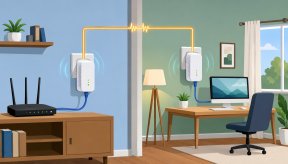
What Is Powerline Internet? Everything You Need to Know
Learn what Powerline Internet is, how it works, its pros and cons, speed, setup, and whether it’s the best solution for extending reliable internet at home.
 Broadband Deals
cheap internet plans
Broadband Deals
cheap internet plans
Spectrum Internet Cost After 12 Months Explained
Learn how much Spectrum Internet costs after promotional pricing ends. Discover standard rates, billing factors, and ways to reduce monthly costs.