Megabits vs. Megabytes Explained the Easy Way
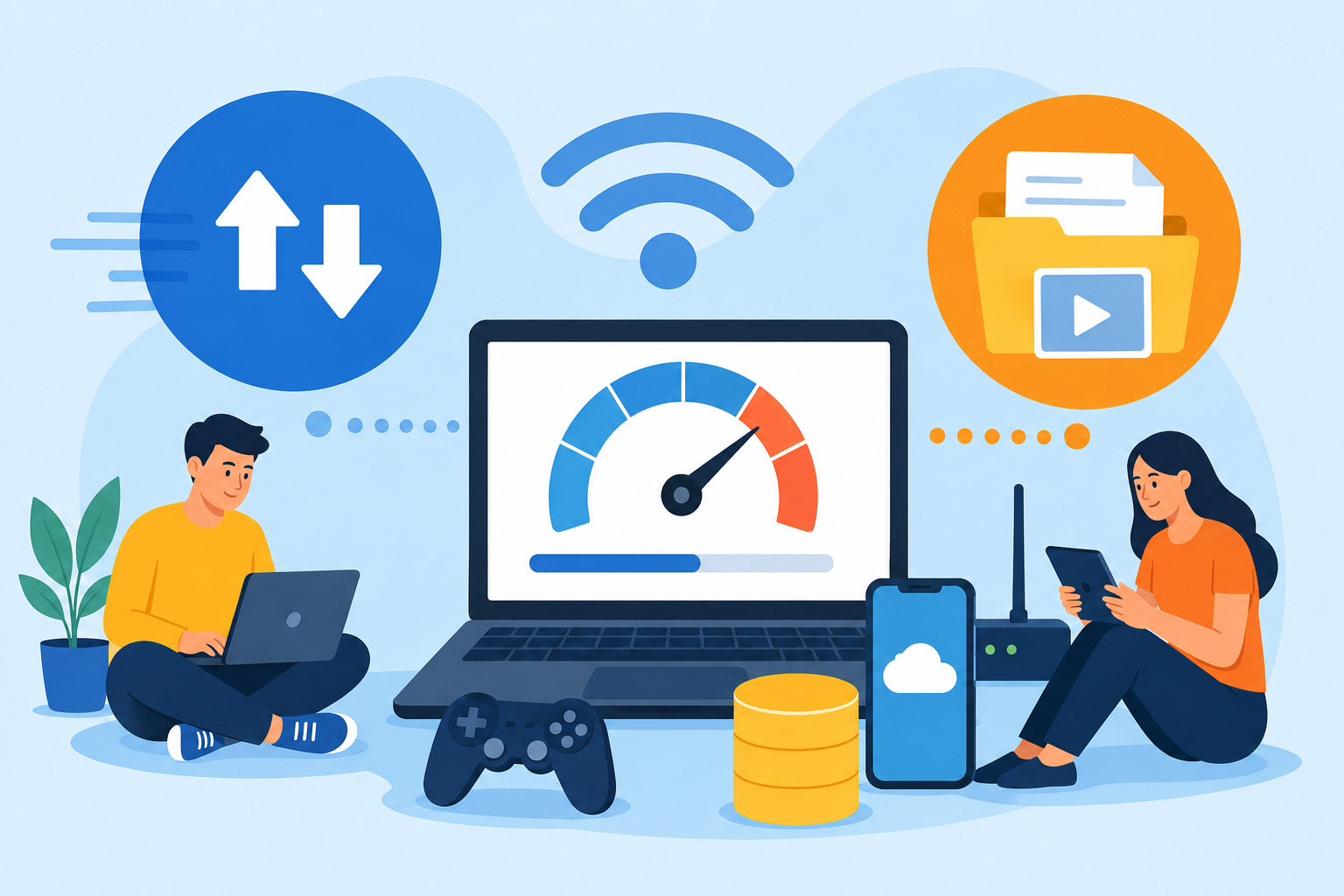
When shopping for internet service, comparing download speeds, or checking data usage, you’ve probably seen terms like Mbps, MB, megabits, and megabytes. They look nearly identical, which is why many people confuse them.
The problem is that misunderstanding these terms can lead to choosing the wrong internet plan, underestimating download times, or misunderstanding monthly data limits.
Knowing the difference between megabits and megabytes makes it much easier to understand internet speeds, file downloads, streaming quality, cloud storage, and data usage. Once you understand how they work, internet plans and speed tests start making a lot more sense.
What Is the Difference Between Megabits and Megabytes?
The main difference comes down to what each unit measures.
Megabits (Mb) measure internet speed and data transfer rates.
Megabytes (MB) measure file sizes and storage capacity.
Even though the abbreviations look similar, the capitalization matters:
| Unit | Abbreviation | Used For |
|---|---|---|
| Megabit | Mb | Internet speed |
| Megabyte | MB | File size and storage |
The uppercase “B” in MB stands for bytes, while the lowercase “b” in Mb stands for bits.
This small difference causes a lot of confusion when comparing internet plans or estimating download times.
Understanding Bits and Bytes
To understand megabits and megabytes, it helps to start with the basics.
Computers process information using binary data made up of zeros and ones. A single binary value is called a bit.
A byte is a group of eight bits.
That means one byte equals eight bits.
As technology evolved, larger units became necessary:
| Unit | Size |
|---|---|
| Kilobit (Kb) | 1,000 bits |
| Kilobyte (KB) | 1,000 bytes |
| Megabit (Mb) | 1,000,000 bits |
| Megabyte (MB) | 1,000,000 bytes |
| Gigabit (Gb) | 1,000,000,000 bits |
| Gigabyte (GB) | 1,000,000,000 bytes |
These units are now used daily for internet speeds, cloud storage, streaming, gaming downloads, and mobile data plans.
Why Internet Speeds Use Megabits
Internet service providers measure speed using megabits per second, commonly written as Mbps.
For example:
100 Mbps
300 Mbps
500 Mbps
1 Gbps
These numbers describe how quickly data moves between your device and the internet.
Most internet providers advertise speeds in megabits because the numbers appear larger and are easier to standardize across networks.
If you want to better understand how your current connection performs, many households regularly use an internet speed testing tool for checking download and upload performance to compare real-world speeds with their advertised plan.
Why File Sizes Use Megabytes
Megabytes are used to measure the size of files and storage devices.
| File Type | Approximate Size |
|---|---|
| Photo | 3–10 MB |
| Song | 5 MB |
| HD Movie | 2–6 GB |
| Mobile App | 50–500 MB |
| Video Game | 40–150 GB |
Your phone storage, SSD, hard drive, and cloud backups all use bytes rather than bits.
This is why internet downloads can sometimes feel slower than expected. A provider advertises speed in megabits, but your computer displays downloads in megabytes.
Mbps vs MBps: Why Download Speeds Look Different
One of the biggest sources of confusion is seeing different download numbers during speed tests and actual downloads.
For example:
Your internet plan says 100 Mbps
Your browser downloads files at 12 MBps
That does not mean your internet is slower than advertised.
The conversion works like this:
100 Mbps ÷ 8 = 12.5 MBps
Since there are eight bits in one byte, you divide internet speed by eight to estimate download speed in megabytes per second.
Quick Mbps to MBps Conversion Chart
| Internet Speed | Approximate Download Speed |
|---|---|
| 25 Mbps | 3.1 MBps |
| 50 Mbps | 6.25 MBps |
| 100 Mbps | 12.5 MBps |
| 300 Mbps | 37.5 MBps |
| 500 Mbps | 62.5 MBps |
| 1 Gbps | 125 MBps |
This explains why a 100 Mbps connection does not download a 100 MB file in one second.
How Long Does It Take to Download a File?
Let’s use a practical example.
Suppose you download a 100 MB file using a 100 Mbps internet connection.
Since 100 MB equals 800 megabits, a 100 Mbps connection can transfer 100 megabits each second.
That means the file would take roughly eight seconds to download under ideal conditions.
Real-world factors like Wi-Fi congestion, server limitations, router performance, and network traffic can affect actual speeds.
Why the Difference Matters When Choosing an Internet Plan
Understanding megabits and megabytes helps prevent paying for more speed than necessary or choosing a plan that feels too slow.
Streaming Video
Streaming platforms use Mbps requirements based on video quality.
| Activity | Recommended Speed |
|---|---|
| SD Streaming | 3 Mbps |
| HD Streaming | 5–8 Mbps |
| 4K Streaming | 25 Mbps |
| Online Gaming | 5–15 Mbps |
| Video Calls | 3–10 Mbps |
Households with multiple users streaming simultaneously usually require higher speeds.
Many consumers comparing connection quality andinternet speed requirements for streaming, gaming, and remote work when deciding whether to upgrade their service.
Large Downloads
Gamers and remote workers often download massive files.
A 100 GB game update can take:
| Internet Speed | Estimated Download Time |
|---|---|
| 25 Mbps | About 9 hours |
| 100 Mbps | About 2 hours |
| 500 Mbps | Around 25 minutes |
This is why faster plans make a noticeable difference for large downloads.
How Data Caps Use Megabytes and Gigabytes
Internet providers usually measure monthly data limits in gigabytes (GB) or terabytes (TB).
Examples include:
500 GB monthly limit
1 TB monthly limit
Unlimited data
Streaming, gaming, video calls, and cloud backups consume large amounts of data quickly.
| Activity | Estimated Data Usage |
|---|---|
| 1 hour of HD streaming | 2–3 GB |
| 1 hour of 4K streaming | 7–10 GB |
| Online gaming | 40–300 MB per hour |
| Zoom video call | 1–2 GB per hour |
This is where understanding megabytes becomes important. Speed determines how fast content arrives, while data usage determines how much content you consume overall.
Why Speed Tests and Downloads Show Different Numbers
Many users panic when they see a browser downloading at 10 MBps while paying for a 100 Mbps plan.
In reality, the numbers are measuring different units.
Speed tests measure:
Megabits per second (Mbps)
Browsers and operating systems often display:
Megabytes per second (MBps)
This difference is completely normal.
If your connection feels inconsistent, people often compare results during peak usage hours to identify whether slowdowns are related to Wi‑Fi, congestion, or provider performance.
Common Mistakes People Make
Confusing MB With Mb
A capital “B” changes everything.
MB = megabytes
Mb = megabits
Always double-check capitalization when reviewing plans or download speeds.
Assuming Faster Mbps Means Unlimited Data
Higher speed does not increase your monthly data allowance.
You can still exceed data caps even with very fast internet.
Overpaying for Unnecessary Speed
Not every household needs gigabit internet.
A small household using streaming and browsing may perform perfectly well with 100–300 Mbps.
Ignoring Upload Speeds
Many providers advertise download speed heavily while offering slower upload performance.
Upload speed matters for:
Video conferencing
Cloud backups
Live streaming
Uploading large files
Megabits vs Megabytes in Real-World Scenarios
Streaming Netflix
Netflix uses Mbps because it measures how fast data streams to your device.
Downloading a Movie
The movie file itself is measured in MB or GB because it represents storage size.
Installing Games
Game stores display file sizes in GB, while your internet speed determines how quickly those files download.
Cloud Storage
Google Drive, Dropbox, and iCloud measure storage using MB, GB, and TB.
Final Thoughts
Megabits and megabytes may sound nearly identical, but they serve completely different purposes.
Megabits measure internet speed. Megabytes measure storage and file size.
Understanding the difference makes it easier to:
Choose the right internet plan
Estimate download times
Understand speed tests
Manage monthly data usage
Avoid confusion when downloading files
The most important thing to remember is simple:
One byte equals eight bits.
Once you understand that conversion, internet speeds and file sizes become much easier to interpret.
Frequently Asked Questions
Is 100 Mbps fast internet?
Yes. A 100 Mbps connection is typically enough for streaming, video calls, gaming, and remote work in most households.
Why does my download speed look slower than my internet plan?
Your internet plan uses megabits (Mbps), while downloads usually display megabytes (MBps). Divide Mbps by 8 to estimate real download speed.
What is bigger, MB or Mb?
A megabyte (MB) is larger than a megabit (Mb). One megabyte equals eight megabits.
How many Mbps do I need for 4K streaming?
Most streaming platforms recommend at least 25 Mbps for smooth 4K streaming.
Do data caps measure megabytes or megabits?
Data caps are usually measured in gigabytes (GB) or terabytes (TB), which are storage units based on bytes.
Is gigabit internet worth it?
Gigabit internet can be useful for large households, heavy streaming, large downloads, cloud backups, and smart-home setups. Smaller households may not need that much speed.
Related Posts
 Broadband Deals
cheap internet plans
Broadband Deals
cheap internet plans
Spectrum Internet Cost After 12 Months Explained
Learn how much Spectrum Internet costs after promotional pricing ends. Discover standard rates, billing factors, and ways to reduce monthly costs.
 Internet Bundles
Broadband Deals
Internet Bundles
Broadband Deals
Best Rural Internet Providers to Keep You Connected in 2026
Discover the best rural internet providers in 2026. Compare Xfinity, CenturyLink, and Viasat by speed, pricing, reliability, and coverage.
 Broadband Deals
cheap internet deals
cheap internet plans
Broadband Deals
cheap internet deals
cheap internet plans
Portland ISP Providers: How to Find the Best Internet Service
Compare Portland ISP providers, internet speeds, pricing, and availability. Learn how to choose the best internet service for your home or business.
 Internet Bundles
AT&T Business Internet: Plans, Speeds & Benefits Explained
Learn everything about AT&T Business Internet, including plans, speeds, fiber availability, pricing, features, equipment, and how to choose the best option.
 Broadband Deals
Internet Bundles
Broadband Deals
Internet Bundles
Comcast TV and Internet Bundles: Are They Still Worth It
Explore Comcast TV and internet bundles in 2026. Compare benefits, costs, package options, and discover whether a bundled plan fits your needs.