How to Send Large Files Over the Internet?
Our cameras provide stunning images and videos. Our computers take on spreadsheets with a lot of information. We have the ability to generate detailed images that look fantastic when blown up. However, all of this comes with a disadvantage: large files.
To begin, check sure your computer, tablet, or smartphone has sufficient storage to accommodate such files.
It's also worth cleaning out all the garbage that's cluttering up your system on a regular basis.
So, what should you do if you need to transfer a file that is too large to send as an attachment to an email?
Here are options for dealing with it
Amazon Drive
You undoubtedly take advantage of free delivery, streaming movies and shows, and possibly a few other perks if you have an Amazon Prime subscription. Have you used Amazon's cloud storage and file-sharing services?
Amazon customers get 5 GB of free storage, but Prime members get unlimited photo storage, which is a tempting bait for photographers. You may transfer images and other things by creating a link and emailing it to your recipient, similar to Dropbox.
Create a free Dropbox account
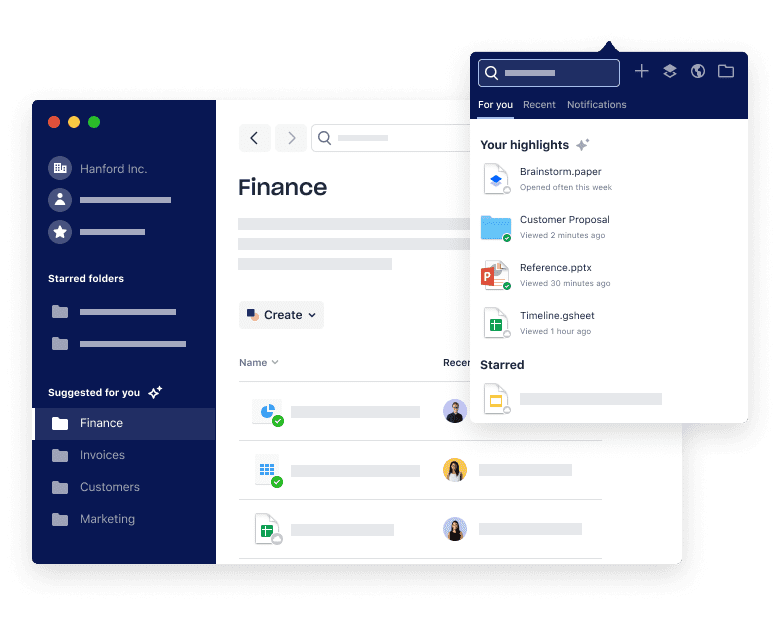
Dropbox is one of the most widely used cloud storage services. It also makes it simple to share files with others via a sharing link or by allowing them to upload files to their own Dropbox accounts.
Anyone can use Dropbox's 2 GB of free storage. If your cloud storage requirements exceed the free account's capacity, premium levels provide additional storage. You can purchase 2 TB of storage for $9.99 per month. The Professional plan, which costs $16.58 a month, provides 3 TB of storage.
If you're running out of space, you can always join up for more than one free storage service. Similar functionality is available through services like Box.com and Microsoft's OneDrive.
Use WeTransfer
The basic free service from WeTransfer allows you to share files up to 2 GB in size. WeTransfer is a file-sending service, not an online storage service.
It's quite simple to use. Simply visit the website, select the "free" option, then upload your file (or files) from your computer. Then enter your email address, the email address of your receiver, and a message. Press the "Transfer" button and wait for WeTransfer to upload the file and notify the recipient. The files will be available for seven days to download.
Also Read: Useful Website For Students
Google Drive
When it comes to sending files that exceed the limit, Gmail users have it easy. When you try to attach a file that is larger than 25 MB, Google uploads it to Google Drive and sends a download link to your recipient.
This is a painless method of sending huge files. The attachment restriction is bypassed, and the recipient can download the file at his or her leisure.
You can also share files straight from Google Drive by uploading them there. Keep in mind that these files will eat up space on your Drive. Drive can store files up to 5 terabytes in size, but you'll need to sign up for a premium storage plan to do so.
Make the file smaller
By compressing a large file into a zipped folder, you can make it a little smaller. Right-click the file or folder in Windows, then go to “send to” and select “Compressed (zipped) folder.” This will make a new folder that is smaller than the previous one.
Control-click (or two-finger tap) a file on a Mac to bring up the shortcut menu. To generate a more delicate zipped version, select "Compress."
Compressing a 90 MB image file in Windows may only produce a 60 MB zipped file, but this can be handy if you need to reduce the size of a file to fit it within your email sending limit.
Related Posts
 Broadband Deals
cheap internet plans
Broadband Deals
cheap internet plans
Spectrum Internet Cost After 12 Months Explained
Learn how much Spectrum Internet costs after promotional pricing ends. Discover standard rates, billing factors, and ways to reduce monthly costs.
 Internet Bundles
Broadband Deals
Internet Bundles
Broadband Deals
Best Rural Internet Providers to Keep You Connected in 2026
Discover the best rural internet providers in 2026. Compare Xfinity, CenturyLink, and Viasat by speed, pricing, reliability, and coverage.
 Broadband Deals
cheap internet deals
cheap internet plans
Broadband Deals
cheap internet deals
cheap internet plans
Portland ISP Providers: How to Find the Best Internet Service
Compare Portland ISP providers, internet speeds, pricing, and availability. Learn how to choose the best internet service for your home or business.
 Internet Bundles
AT&T Business Internet: Plans, Speeds & Benefits Explained
Learn everything about AT&T Business Internet, including plans, speeds, fiber availability, pricing, features, equipment, and how to choose the best option.
 Broadband Deals
Internet Bundles
Broadband Deals
Internet Bundles
Comcast TV and Internet Bundles: Are They Still Worth It
Explore Comcast TV and internet bundles in 2026. Compare benefits, costs, package options, and discover whether a bundled plan fits your needs.