How to Protect Your Whole Family From The Internet
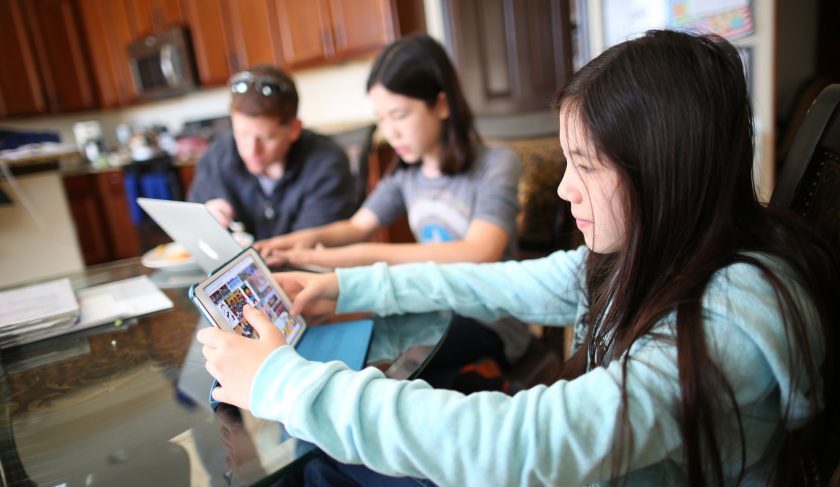
When your family goes online or uses social media, you should be concerned about a lot of Online Safety things: online predators, cyberbullying, handing out too much personal information, and coming across unsuitable material. It is critical to create limits and teach our children online safety and how to use the internet for good in order to keep yourself and your family secure in a world when strangers can reach out to us even in our own homes.
Also, Read: The Reasons To Browse The Internet In Private Browsing Mode
Here are some points to consider and discuss as a family.
Know how to use the internet
As a parent, it is critical that you stay up with your child's online knowledge in order to keep them safe. Keep up with emerging technologies, social media sites, and other websites that your youngster may visit.
Guidelines for Using Social Media
Set rules for what social media sites and apps they are permitted to use as a family, and be sure to "friend" your child on all of these sites so you can monitor their activity at any time.
Dialogue in the Open
Discuss internet hazards and appropriate online safety restrictions, and then continue to talk about their favorite websites, who they're communicating with, and what they're viewing. Have them “introduce” you to any new online acquaintances, especially if they have never met them in person.
Game Plan for the Family
Sit down as a family and decide on the family's online safety and internet usage regulations (computer, tablet, and phone). The rules will feel more personal to the children, who will be more willing to follow them. Make sure you talk about what's suitable and what's not for all family members to share, as well as how what they do online can affect their lives.
Safeguard Your Computer
Make sure your malware and anti-virus software is up to date and also protect your home network for additional security. Children may still click on something they shouldn't, putting your computer in danger of infection.
Also Read Online Shopping Safety Guide - Be Wary of Websites
Personal Information Security
Personal information (phone number, age, birthdate, address, social security number, etc.) should not be given online as a general rule. Tell your children that before giving out any personal information online, they must first verify with you and always check the website you visit. Not only would this protect kids from predators, but it will also reduce the chance of identity theft.
Passwords
You should have access to all of your child's accounts, including social media and email. It's also important to remember that you have the right to check in at any moment and read your messages. Assure your children that you trust them and that this is only a precautionary measure.
Keeping the computer in a high-traffic area is a good idea
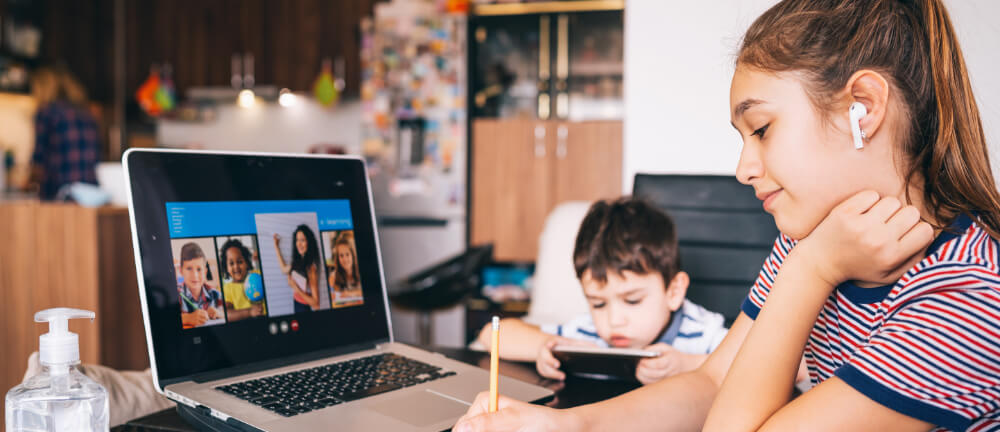
To decrease the possibility of things being viewed that shouldn't be, make sure the family computer is always in use in a high-traffic location. On the same line, instead of being transported to bedrooms, phones can be placed at a family charging station overnight. In bedrooms, computers and phones should not be kept or utilized.
Also Read: How to Protect yourself from the Dangers of Public Wi-fi
Parental Control Software
Make use of available software that allows you to set parental controls for internet usage ( Spectrum TV Parental Controls for example ). This will prevent even the most unintentional Internet surfer from ending up somewhere they shouldn't be.
Appropriate Internet Usage as a Model Explores the internet with your children to teach them how it can be used to learn new things but never let them see you looking at something you wouldn't want them to see. Adhere to your family's online safety standards.
Suspicious Behavior Should Be Taken Seriously
If your child is spending too much time online, turning off the computer abruptly when you walk in the room or talking with someone you don't know, address the issue right away.
You can keep your family safe online and encourage family members to use the internet for good by following these online safety recommendations and setting any additional boundaries that may be necessary for your specific family scenario.
Related Posts
 cheap internet deals
cheap internet plans
cheap internet deals
cheap internet plans
Why Utah and the Mountain West Attract Remote Workers
Discover why Utah and the Mountain West are attracting remote workers with affordable living, reliable internet, lower utility costs, and growth.
 Technology
Why Your Internet Keeps Disconnecting and How to Fix It
Learn why your internet keeps disconnecting and discover proven fixes for router issues, Wi-Fi interference, faulty cables, and network instability.
 Broadband Deals
cheap internet deals
Subscription
Broadband Deals
cheap internet deals
Subscription
Affordable Internet and TV Bundles for the 2026 World Cup
Compare affordable internet and TV bundles for sports fans and enjoy reliable coverage of the 2026 World Cup without overspending.
 Internet Bundles
How to Detect ISP Throttling and Improve Your Internet Speed
Learn how to detect ISP throttling, identify common warning signs, test your connection, and improve internet speed for streaming, gaming, and work.
 cheap internet deals
cheap internet plans
cheap internet offers
cheap internet deals
cheap internet plans
cheap internet offers
Which ISP Offers the Best Long-Term Price Stability?
Compare ISPs with the most stable long-term pricing. Learn how to avoid bill increases, evaluate plans, and choose affordable internet service.