Safe Internet: Tips to Stay Safe Online
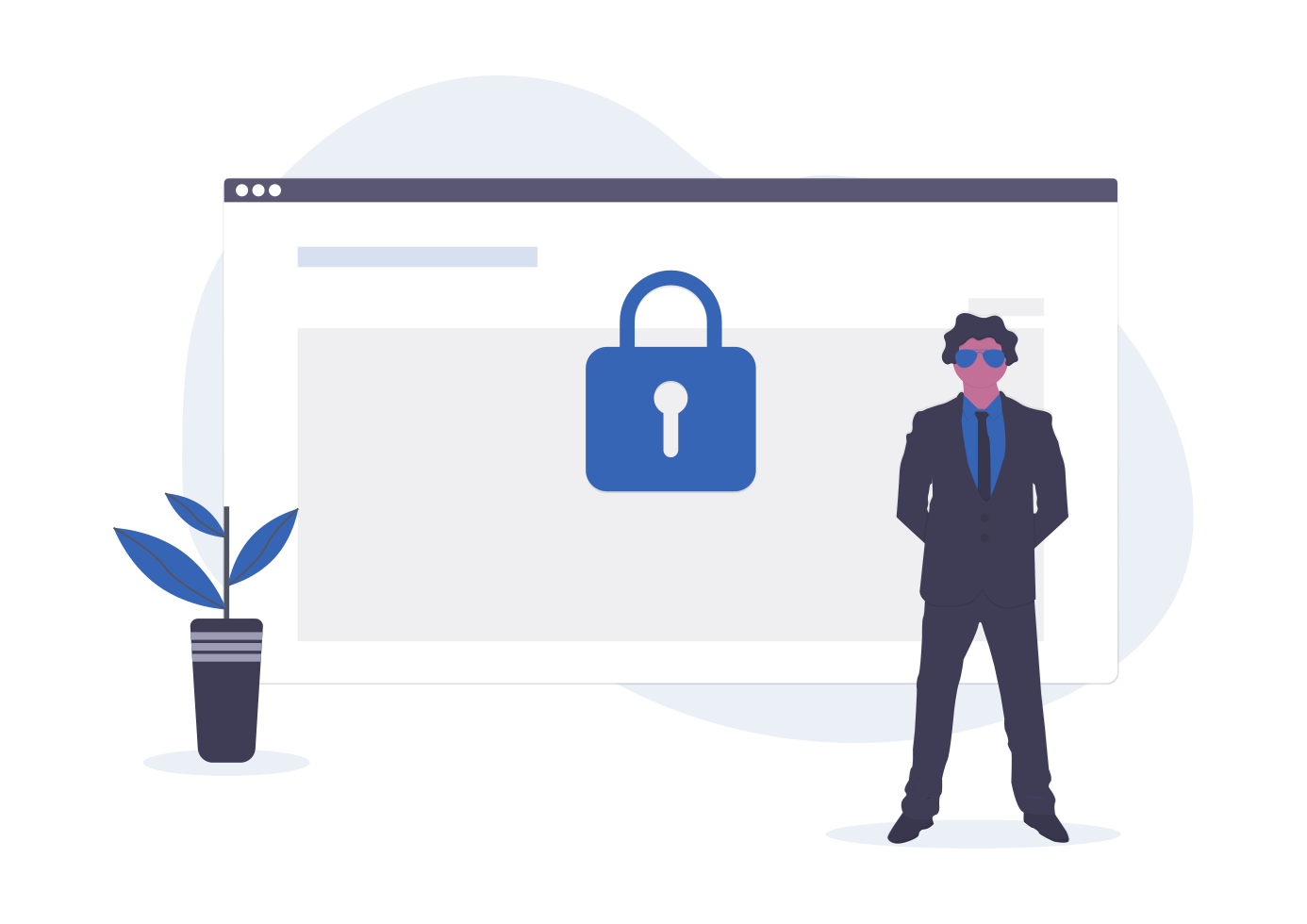
Be attentive when opening links especially files or links sent via social media websites or email. Avoid opening emails from the Spam folder. Inspect and examine URLs before opening it to make sure they are from a legitimate website. Deals and Offers are the common subject fo scams, do not provide any personal information to avoid falling to a victim.
Use random alphanumeric characters and symbols when making passwords. The longer the password with a mix of random characters is harder to guess or crack.
Avoid downloading and installing Apps sent via links or emails. Do not use an unofficial third-party website or store to avoid getting hack. Use the Google Playstore and Apple App Store to keep your data secured.
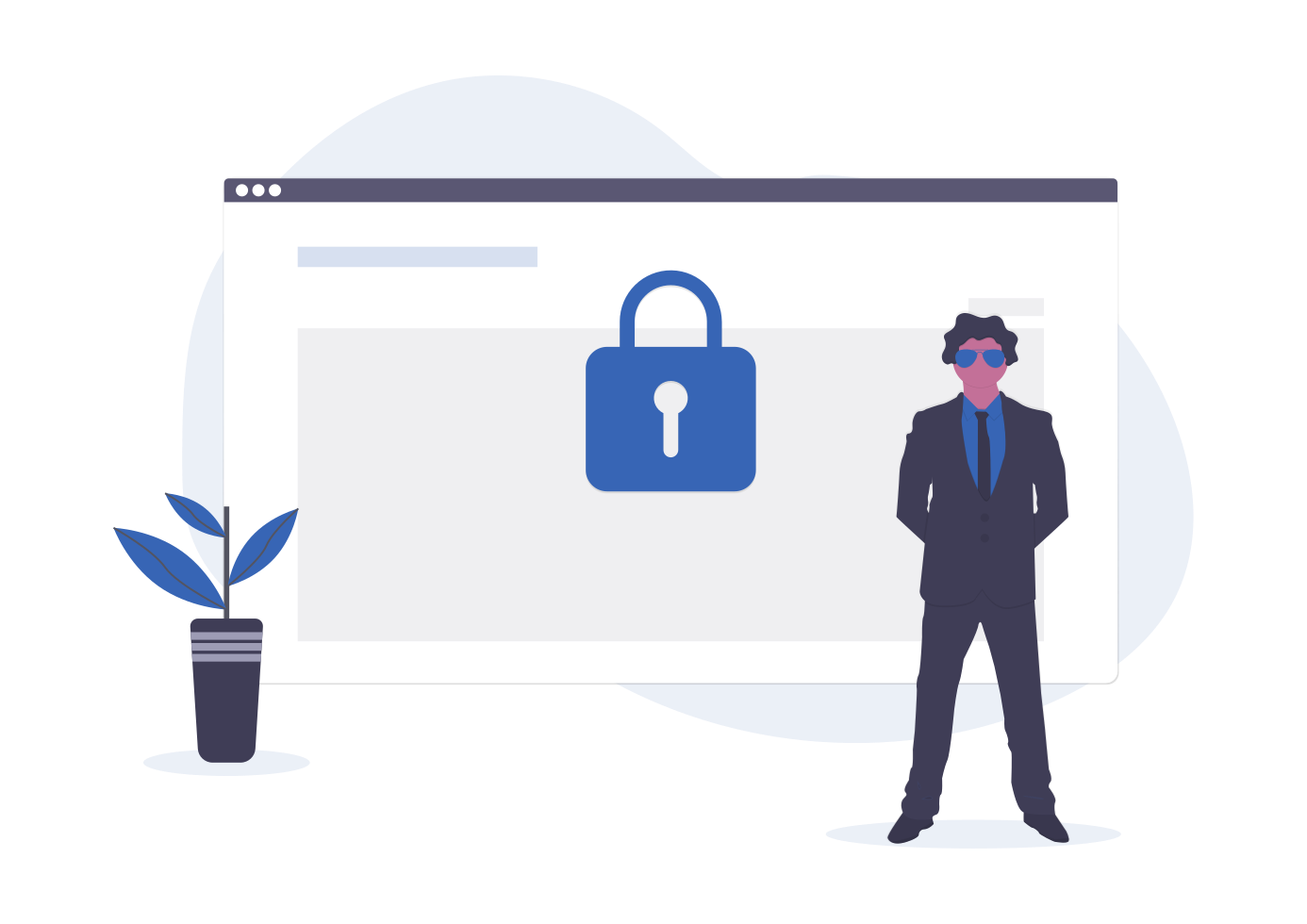
Always disable microphone and cameras when not in use. You don't want prying eyes, When your PC or laptops gets compromised by malware hackers will able to record your activity while browsing the internet. Shutdown your PC or laptop as soon as possible when not in use.
Keeping your PC and Laptops updated will secure your software and other components. Just in case your computer got hack, updates will secure your device with the latest software patch.
Related Posts
 Safety
How to Shop Online Safely and Avoid Common Scams
Learn how to shop safely online by avoiding scams, protecting personal data, securing payments, and building smart long-term shopping habits.
 Regulations
Safety
Regulations
Safety
What Is Background Data Usage? Pros and Cons Explained
Learn what background data usage is, its benefits and drawbacks, how it affects internet consumption, and practical ways to reduce data usage.
 Regulations
Technology
Regulations
Technology
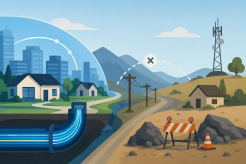
Why Fiber Internet Coverage Remains Limited in Some Areas
Learn why fiber internet is still unavailable in many areas, from infrastructure costs to regulations, and what alternatives exist while waiting for expansion.
 cheap internet plans
Subscription
cheap internet plans
Subscription
Frontier TV and Internet Packages Worth Considering Today
Explore Frontier TV and internet packages, compare speeds, features, bundle benefits, pricing options, and find the right plan for your home.
 cheap internet offers
How to Find Cheap Internet That Doesn't Feel Cheap
Learn how to get affordable internet without sacrificing speed. Compare providers, optimize your network, and save on your monthly bill with smart strategies.