10 Reasons Your Wi-Fi Keeps Disconnecting at Home
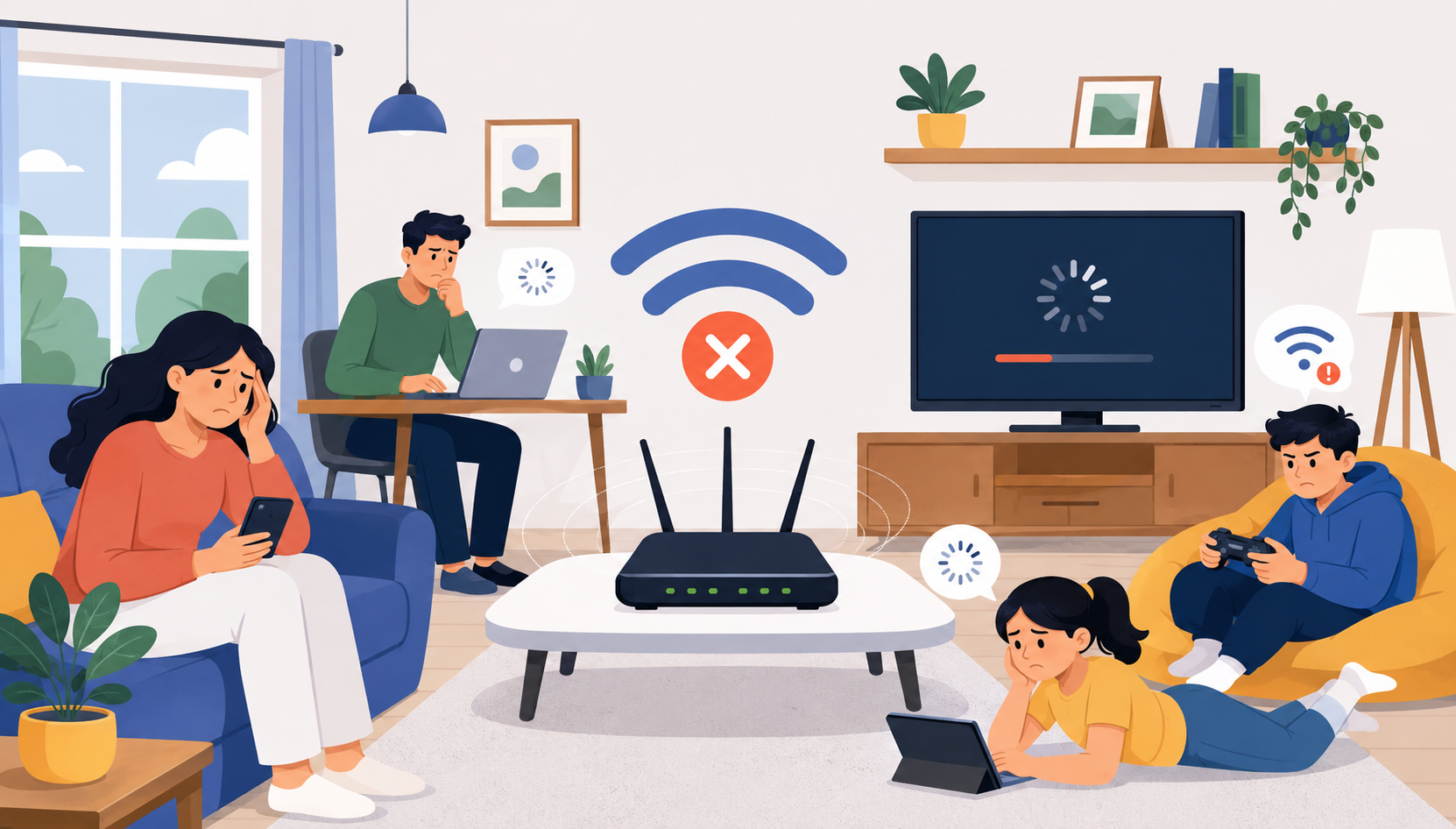
Reliable Wi-Fi has become essential for work, entertainment, online learning, gaming, and staying connected with family and friends. Few things are more frustrating than a Wi-Fi connection that repeatedly drops throughout the day. Whether you’re in the middle of a video call, streaming your favorite show, or trying to finish an important task, unstable internet can quickly become a major inconvenience.
If you’ve ever wondered, “Why does my Wi-Fi keep disconnecting?” you’re not alone. Wi-Fi interruptions can happen for many reasons, ranging from outdated equipment to network congestion and signal interference.
In this guide, we’ll cover the most common reasons your Wi-Fi keeps disconnecting and what you can do to improve your connection stability.
Why a Stable Wi-Fi Connection Matters
Modern households often have dozens of connected devices competing for bandwidth. Smartphones, smart TVs, security cameras, laptops, gaming consoles, and smart home devices all rely on a strong wireless connection.
When your Wi-Fi disconnects frequently, it can lead to:
Interrupted video calls
Buffering during streaming
Slow file uploads and downloads
Online gaming lag
Smart device connectivity issues
Reduced productivity while working remotely
Understanding the cause is the first step toward solving the problem.
1. Your Router Is Located in a Poor Position
One of the most common reasons for Wi-Fi disconnections is router placement.
How Location Affects Wi-Fi Performance
Wi-Fi signals weaken as they travel through walls, floors, furniture, and appliances. If your router is hidden in a cabinet, basement, or corner of your home, coverage may be inconsistent.
For best results:
Place the router near the center of your home
Keep it elevated off the floor
Avoid placing it behind large furniture
Keep it away from microwaves and other electronics
Even a small adjustment in placement can significantly improve signal strength.
2. Too Many Devices Are Connected
Every connected device uses part of your available bandwidth.
Network Congestion Causes Disconnects
Many households now have:
Smartphones
Tablets
Smart TVs
Security cameras
Smart speakers
Gaming consoles
Laptops and desktops
When dozens of devices compete simultaneously, your router may struggle to manage traffic efficiently, resulting in dropped connections.
Upgrading your equipment or internet package can often help alleviate network congestion.
3. Your Router Is Outdated
Technology evolves quickly, and older routers may not keep up with modern internet demands.
Signs You Need a New Router
You may need an upgrade if:
Your router is over five years old
It frequently requires restarting
Streaming performance is poor
Coverage is inconsistent throughout the home
Choosing the best WiFi router for fiber internet can improve speed, stability, and coverage, especially if you’re using a high-speed internet plan.
4. Signal Interference Is Affecting Your Connection
Wireless signals can be disrupted by nearby devices and neighboring networks.
Common Sources of Interference
Potential interference sources include:
Microwave ovens
Baby monitors
Cordless phones
Bluetooth devices
Smart home equipment
Nearby Wi-Fi networks
Apartment buildings and densely populated neighborhoods often experience higher levels of wireless interference due to overlapping networks.
Switching channels or upgrading to a dual-band or tri-band router may help reduce disruptions.
5. Your Home Is Too Large for a Single Router
A single router may not provide sufficient coverage for larger homes.
Dead Zones and Weak Signal Areas
If your connection is strong near the router but weak in distant rooms, coverage limitations may be causing disconnects.
In these situations, learning about WiFi extender and mesh WiFi solutions for larger homes can help eliminate dead zones and provide more consistent coverage throughout the property.
Mesh systems are particularly effective for multi-story homes and larger floor plans.
6. Your Internet Service Is Experiencing Issues
Sometimes the problem isn’t your Wi-Fi equipment at all.
ISP Outages and Service Interruptions
Internet providers occasionally experience:
Scheduled maintenance
Network congestion
Equipment failures
Regional outages
Weather-related disruptions
If multiple devices lose internet access simultaneously, your provider may be experiencing service issues.
Checking your provider’s outage status can help determine whether the problem is on your end or theirs.
7. Firmware Updates Are Missing
Router manufacturers regularly release firmware updates to improve performance and security.
Why Updates Matter
Outdated firmware can cause:
Connection instability
Security vulnerabilities
Compatibility issues
Performance degradation
Most modern routers allow automatic updates, but many users never enable this feature.
Checking for updates every few months can help maintain optimal performance.
8. Incorrect Network Settings
Improper configuration settings can cause recurring connection problems.
Settings That Can Cause Problems
Potential issues include:
Incorrect DNS settings
Channel conflicts
Frequency band problems
Device-specific network settings
Restarting network equipment and reviewing router settings can often resolve these issues.
If you’re troubleshooting a home network, understanding what modem and router indicator lights actually mean can provide valuable clues about where the problem originates.
9. You May Be Confusing Wi-Fi With Internet Service
Many people use the terms “Wi-Fi” and “internet” interchangeably, but they are different technologies.
Understanding the Difference
Wi-Fi is the wireless network inside your home, while internet service is the connection provided by your ISP.
If you’re unsure how these technologies differ, learning about the difference between DSL and WiFi technology can help identify whether the issue is related to your wireless network or your internet service.
Understanding this distinction makes troubleshooting much easier.
10. Your Internet Plan No Longer Meets Your Needs
As households add more devices and consume more bandwidth, older internet plans may become insufficient.
Signs It’s Time to Upgrade
You may benefit from a faster plan if:
Multiple people work from home
You stream in 4K regularly
Online gaming is common in your household
Smart home devices continue to increase
Video conferencing is part of your daily routine
Many connectivity issues stem from simply outgrowing your current service package.
If your household has expanded its internet usage, it may be time to find a better internet plan that matches your needs.
Additional Tip: Check Whether Wi-Fi Calling Is Causing Confusion
Some users assume their internet connection is dropping when mobile calls behave unexpectedly over Wi-Fi.
Modern smartphones often use Wi-Fi networks to place calls indoors where cellular coverage may be weak.
Understanding how WiFi calling works on home networks can help determine whether call quality issues are related to your wireless network or your mobile carrier.
Quick Troubleshooting Checklist
Before calling technical support, try these steps:
| Troubleshooting Step | Why It Helps |
|---|---|
| Restart your router | Clears temporary issues |
| Check for outages | Identifies ISP problems |
| Update firmware | Fixes bugs and improves stability |
| Move the router | Improves signal strength |
| Disconnect unused devices | Reduces congestion |
| Test multiple devices | Identifies device-specific issues |
| Change Wi-Fi channels | Reduces interference |
| Upgrade equipment | Improves overall performance |
Improves overall performance
When Should You Replace Your Router?
A router replacement may be worthwhile if:
The device is over five years old
Coverage is poor throughout the home
Frequent disconnects continue after troubleshooting
Your internet speed exceeds router capabilities
Firmware updates are no longer available
Newer routers offer improved performance, stronger security, and better support for multiple connected devices.
Conclusion
Wi-Fi disconnections can be frustrating, but the underlying causes are often easier to identify than many people realize. Router placement, outdated equipment, signal interference, network congestion, and insufficient internet plans are among the most common reasons connections drop unexpectedly.
By systematically troubleshooting each potential issue, most homeowners can significantly improve network reliability and reduce interruptions. In many cases, simple changes like repositioning a router, updating firmware, or upgrading equipment can make a noticeable difference.
If your current internet service no longer supports your household’s needs, upgrading to a faster and more reliable plan may be the most effective long-term solution.
Frequently Asked Questions
Why does my Wi-Fi disconnect randomly throughout the day?
Random disconnections are often caused by signal interference, outdated routers, network congestion, or ISP-related service interruptions.
Can too many devices cause Wi-Fi problems?
Yes. Every connected device consumes bandwidth and router resources. Excessive device usage can lead to slower speeds and connection drops.
How often should I replace my router?
Most experts recommend replacing routers every 4–6 years, depending on performance, security updates, and evolving technology standards.
Does router placement really matter?
Absolutely. Router location significantly affects signal strength, coverage, and connection stability throughout your home.
Will a Wi-Fi extender stop disconnections?
A Wi-Fi extender can help eliminate dead zones and improve coverage, particularly in larger homes where signal strength weakens over distance.
How can I tell if the issue is my Wi-Fi or my internet provider?
If multiple devices lose internet access simultaneously, the issue may be with your ISP. Checking outage reports and modem status lights can help determine the source of the problem.
Related Posts
 Broadband Deals
cheap internet plans
Broadband Deals
cheap internet plans
Spectrum Internet Cost After 12 Months Explained
Learn how much Spectrum Internet costs after promotional pricing ends. Discover standard rates, billing factors, and ways to reduce monthly costs.
 Internet Bundles
Broadband Deals
Internet Bundles
Broadband Deals
Best Rural Internet Providers to Keep You Connected in 2026
Discover the best rural internet providers in 2026. Compare Xfinity, CenturyLink, and Viasat by speed, pricing, reliability, and coverage.
 Broadband Deals
cheap internet deals
cheap internet plans
Broadband Deals
cheap internet deals
cheap internet plans
Portland ISP Providers: How to Find the Best Internet Service
Compare Portland ISP providers, internet speeds, pricing, and availability. Learn how to choose the best internet service for your home or business.
 Internet Bundles
AT&T Business Internet: Plans, Speeds & Benefits Explained
Learn everything about AT&T Business Internet, including plans, speeds, fiber availability, pricing, features, equipment, and how to choose the best option.
 Broadband Deals
Internet Bundles
Broadband Deals
Internet Bundles
Comcast TV and Internet Bundles: Are They Still Worth It
Explore Comcast TV and internet bundles in 2026. Compare benefits, costs, package options, and discover whether a bundled plan fits your needs.